
Choose a color
Choose a color on the wheel. Adjust brightness for desk lighting or photographs.
Control your Wuthering Waves lightstick over Bluetooth. Change its color, adjust brightness, and play effects. No disassembly or firmware replacement is required.
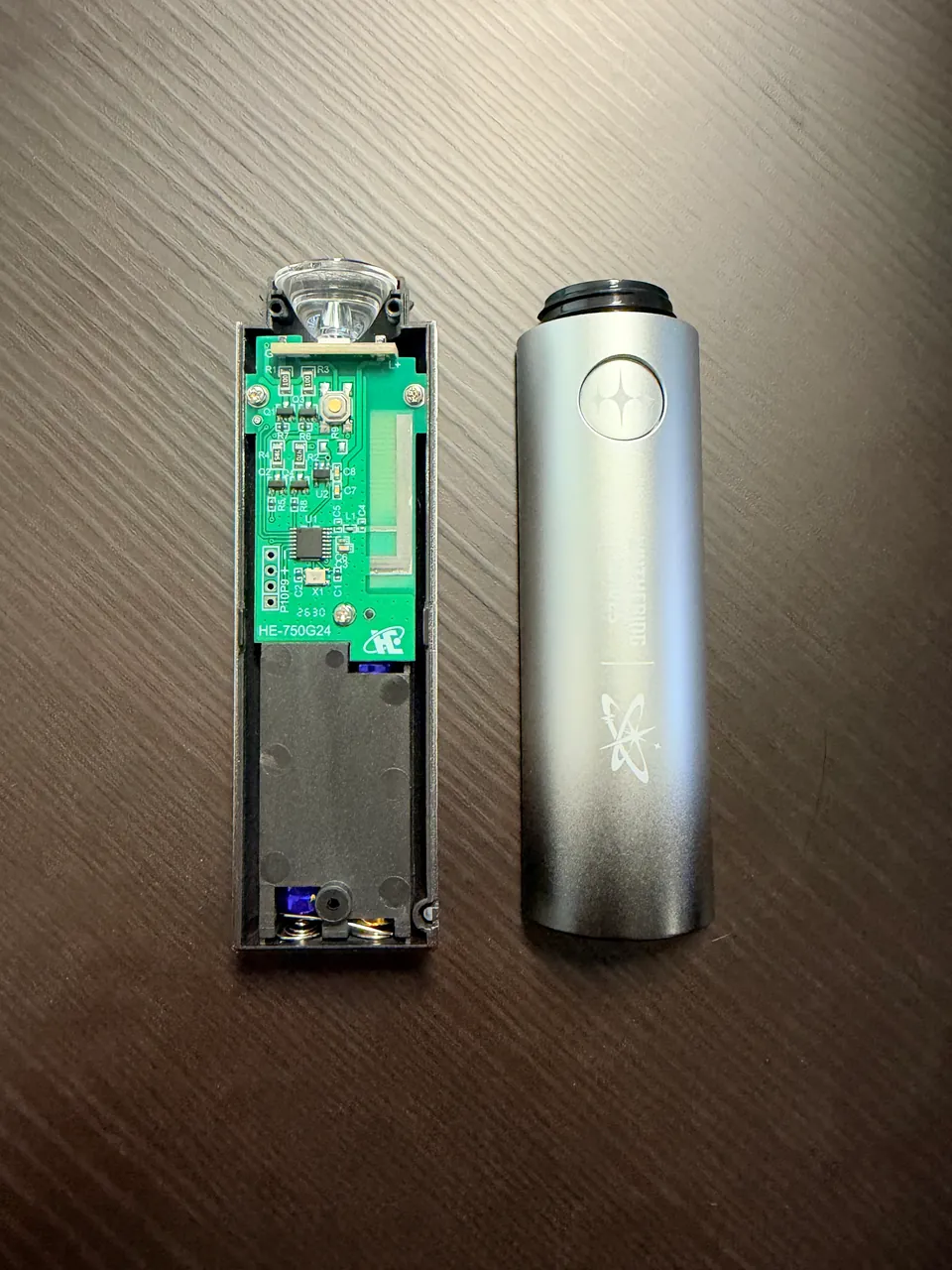
Three AAA batteries power the lightstick. The handle holds the controller board and battery holder. This photograph shows the disassembled research sample.
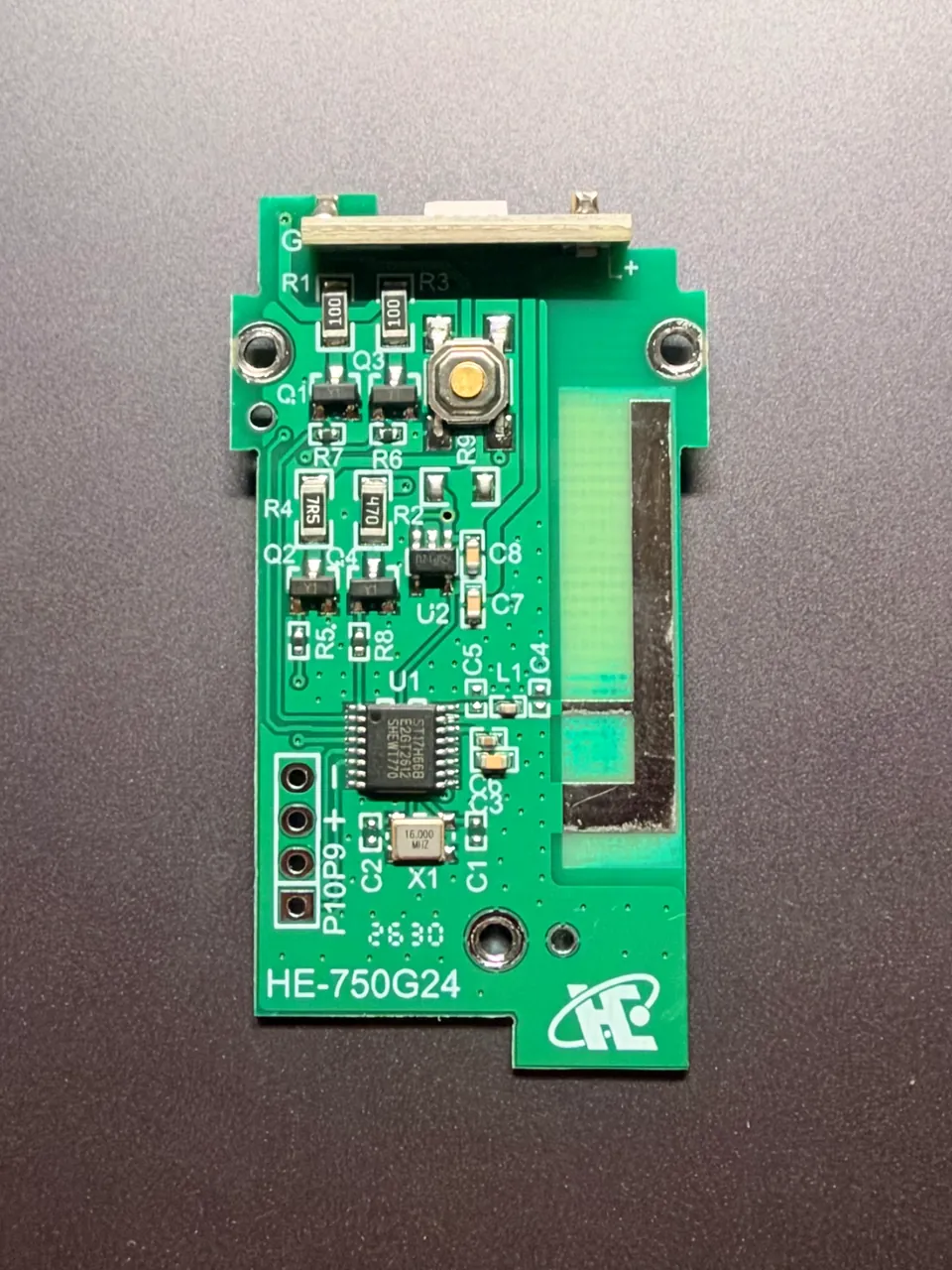
The board receives wireless commands. Its chip executes them. The button switches between built-in effects.
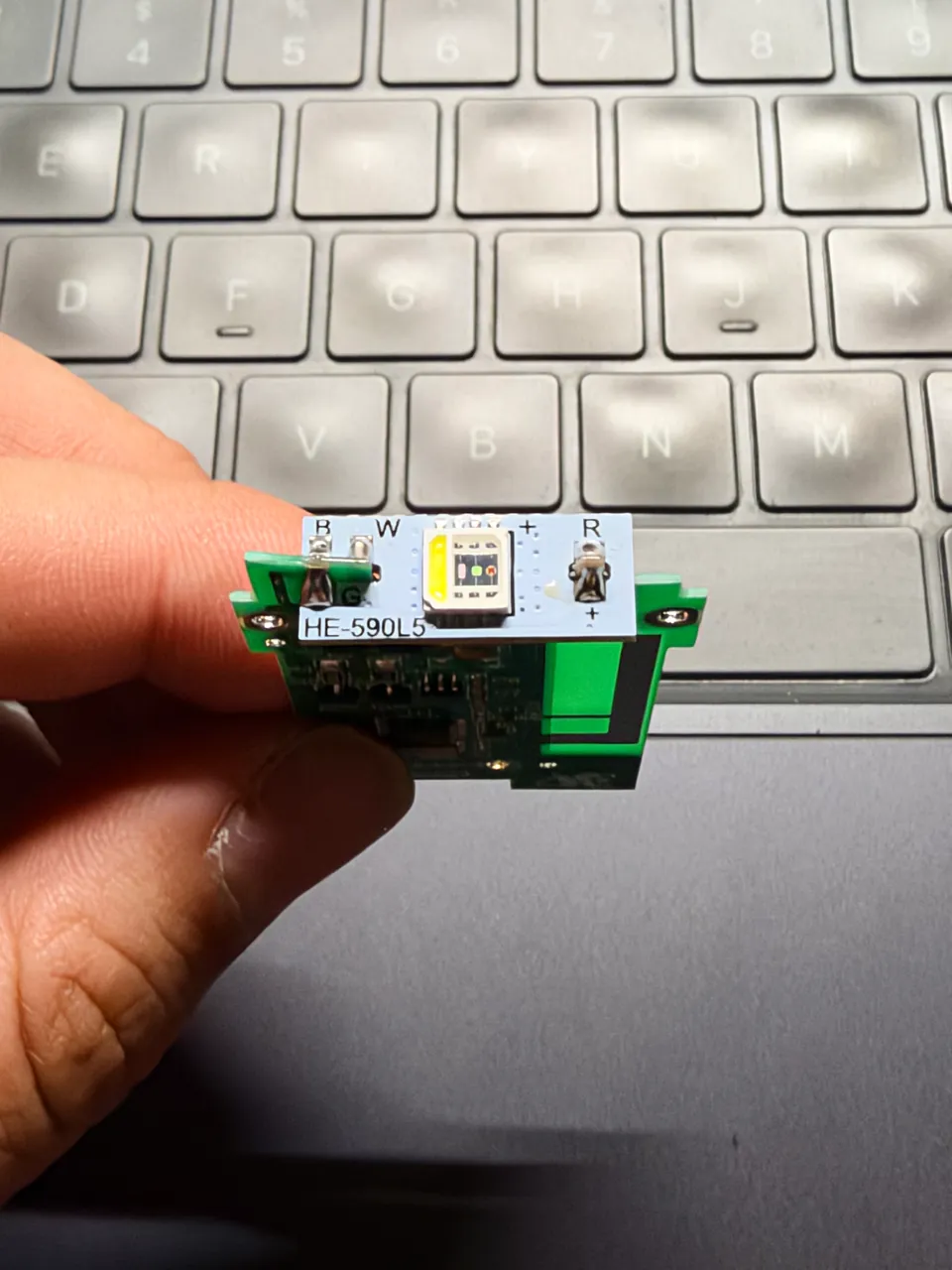
The LED board mixes red, green, and blue light. The chip adjusts each channel to produce different colors. White uses a separate channel.
Browser
Bluetooth
Your lightstick
The lightstick has built-in Bluetooth. I analyzed its commands and turned them into browser controls. In a browser with Web Bluetooth, you can select and connect your own lightstick.
When you select a color, the browser sends a command to the lightstick. The chip reads it and adjusts the LED. Commands go directly from your device to the lightstick, not through the website server.
LEDs and screens produce color differently. The browser adjusts the color mix before sending it. These ratios were tuned on a physical sample. Other batches may still show color differences.
The sample firmware has a venue receiver. It accepts broadcasts from a dedicated transmitter. One broadcast can control many lightsticks without pairing each one.
Each lightstick stores a group number. Broadcast commands set colors, brightness, and effects. Group commands can give different colors to different groups.
A valid venue command locks the button. The button becomes available again after about 30 minutes without another valid venue command.
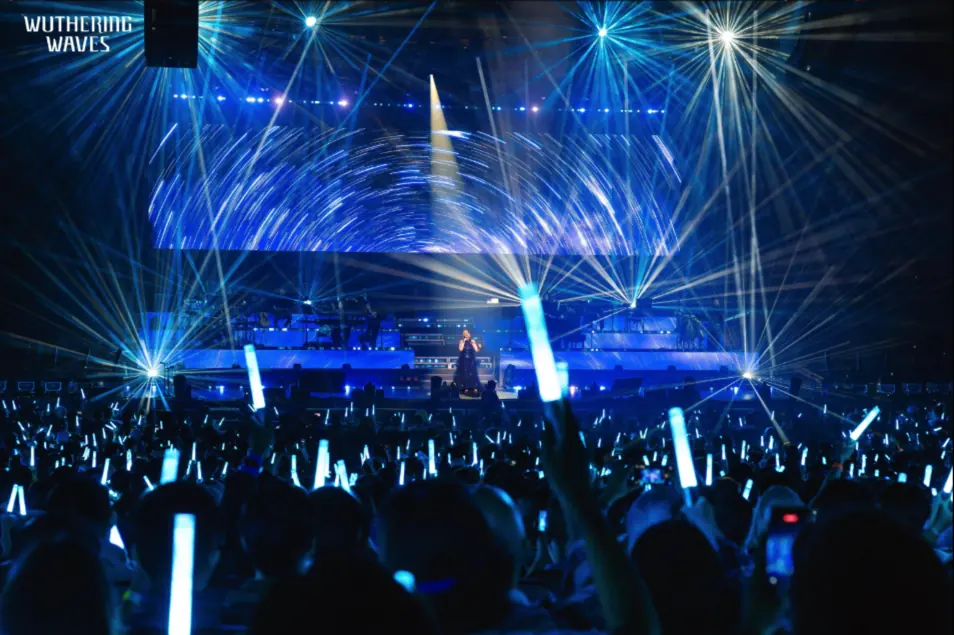
These findings come from sample firmware analysis. Venue radio operation has not been tested. The photographs show concert lighting only.

Venue transmitter
Radio broadcast
Lightstick groups
Choose a color on the wheel. Adjust brightness for desk lighting or photographs.
Let brightness rise and fall, or change colors continuously. Native effects run inside the lightstick. Extended effects use a stream of browser commands.
The browser analyzes your audio and turns volume and beats into light changes. Processing stays on your device. The site does not upload audio.